 United States
Smarter Inventory Management for Growing SMBs
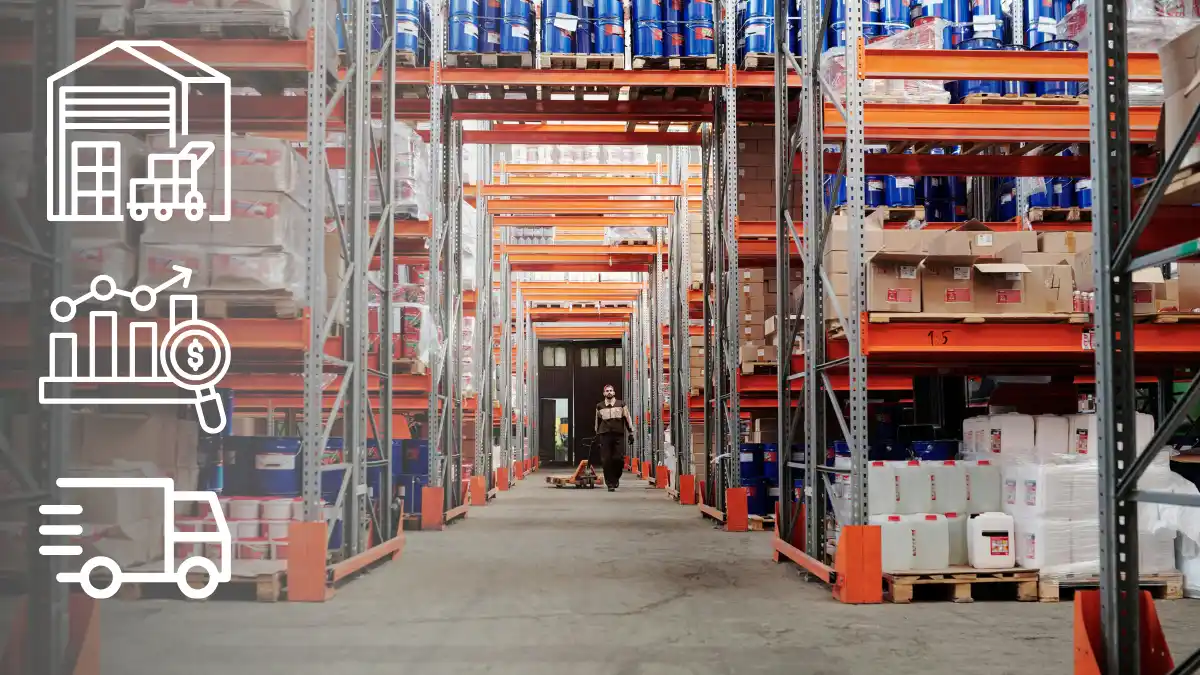
The warehouse: an asset that can turn into a cost for small businesses
For many small and medium-sized businesses, inventory is one of the most significant items on the balance sheet—but also one of the biggest sources of inefficiency. Excess stock ties up valuable cash, takes up space, increases handling costs, and risks becoming obsolete. Too little inventory, on the other hand, leads to stockouts, lost orders, and unhappy customers. Without a modern inventory management system, these issues often remain invisible until they directly impact cash flow.
Finding the right balance—the so-called optimal inventory level—is one of the toughest challenges for manufacturing and trading businesses. The good news? Today, inventory management software integrated into a business management system allows small businesses to tackle this challenge with a data-driven approach, leaving behind gut decisions and spreadsheets.
Why inventory optimization is a strategic priority for small businesses
Reducing capital tied up in inventory by 20–30% is a realistic goal for many companies that adopt modern inventory management software and an integrated business management system. The benefits are tangible:
- Freed-up cash to reinvest in the business
- Lower storage, insurance, and handling costs
- Less waste caused by obsolescence and deterioration
- Better customer service thanks to more reliable availability
- Faster purchasing decisions based on real data
- Natural alignment with e-commerce channels through an integrated commerce system
The 5 pillars of effective inventory management software
1. ABC item classification
Not all items deserve the same level of attention. ABC classification, managed directly within the inventory management system, helps teams focus on the products that generate the most value (A items), applying differentiated inventory policies for each category.
2. Reorder points and safety stock calculation
Scientifically defining when to reorder and how much safety stock to keep—taking into account demand variability and lead times—prevents both stockouts and excess inventory. A business management system allows these parameters to be configured by item, lot, or location, automating calculations that would otherwise take hours in spreadsheets.
3. Demand forecasting
Using sales history and forecasting algorithms makes it possible to anticipate real demand, especially for seasonal products or those influenced by market trends. A system with built-in forecasting turns historical data into reliable purchasing plans.
4. Real-time monitoring
Immediate visibility into on-hand inventory, incoming orders, and committed stock allows teams to react quickly to changes and make informed decisions. A cloud-based system makes this data accessible from any location, device, or sales channel.
5. KPIs and continuous analysis
Metrics such as inventory turnover, average coverage, and fulfillment rate must be constantly monitored to measure progress and identify areas for improvement. Cloud-based business software displays these KPIs in always-up-to-date dashboards shared across purchasing, sales, and management.
From spreadsheets to the cloud: why small businesses need an integrated system
Many small and medium-sized businesses still manage inventory using spreadsheets or standalone tools that are not connected to accounting, sales, and purchasing. The result is misaligned data and slow decision-making. Adopting an integrated business management system—one that unifies items, orders, invoices, and inventory into a single source of truth—is the minimum requirement for truly optimizing inventory.
A cloud-based system offers three decisive advantages over traditional inventory software: automatic updates, immediate scalability, and access from anywhere. It provides the foundation for dynamic replenishment policies, e-commerce integrations, and predictive analysis.
Microsoft Dynamics 365 Business Central: So Smart’s inventory management system
So Smart is a preconfigured solution built on Microsoft Dynamics 365 Business Central, Microsoft’s business management platform designed for small and medium-sized businesses. It brings together all the functionality needed to optimize inventory levels in a single environment:
- Automatic material requirements planning (MRP) based on real demand and forecasts
- Configurable reorder points, minimum/maximum quantities, and safety stock by item
- Sales forecasting
- Real-time dashboards and reports with built-in Power BI
- Full traceability by lot, serial number, and location
- Native integration with e-commerce platforms and marketplaces
All delivered in a cloud platform that is accessible from any device, scalable, and designed for the needs of growing small businesses.
Where to start: the So Smart approach
Inventory optimization is not a project to postpone. Even starting with simple actions—identifying slow-moving items, reviewing reorder points, and tracking key KPIs—can deliver measurable results in just a few weeks, especially when supported by a cloud-based system that centralizes all operational data.
Frequently asked questions about inventory optimization
What is inventory management software?
It is software that allows businesses to record, monitor, and optimize stock levels as well as incoming and outgoing goods. When integrated into a business management system for small businesses such as Microsoft Dynamics 365 Business Central, inventory management is natively connected with sales, purchasing, accounting, and e-commerce—eliminating data duplication.
What is the difference between inventory software and a full business management system?
Traditional inventory software typically covers only stock levels and movements. A full business management system (or ERP) supports all core processes—inventory, accounting, sales, purchasing, and production—on a single, shared data set.
Why should small businesses choose cloud-based management software?
Cloud-based business management software removes infrastructure costs, provides automatic updates, allows access from anywhere, and integrates easily with other cloud services.
Is Microsoft Dynamics 365 Business Central suitable for small businesses?
Yes. Microsoft Dynamics 365 Business Central was designed specifically as a business management system for small and medium-sized businesses and is also available in a preconfigured version.
Can inventory management software be integrated with e-commerce?
Yes. Native connectors are available for major e-commerce platforms, enabling synchronization of product catalogs, pricing, orders, and inventory levels.
So Smart is the fastest and easiest way to enter the world of Microsoft Dynamics 365 Business Central. The solution that helps you automate processes, monitor data in real time, produce analytical reports and monitor compliance. So Smart is the cloud solution that can be accessed from any browser anywhere around the world. The system can be accessed from your computer, smartphone or tablet simply by installing the app. Now you can manage your business anywhere at your convenience, and it is 100 percent secure with the Microsoft Azure Cloud network.